


Office Chairs
- Shelving/Racking & Storage









Office Chairs Buying Guide
Choosing the right office chair starts with understanding how the chair will be used, how long the user will be seated and which adjustments are most important for the individual and their workstation. A chair that works well for occasional meetings may not be suitable for a full working day, while specialist 24-hour and posture chairs are designed for more demanding applications.
Premier Storage supplies office seating for everyday workstations, executive offices, meeting rooms, home offices, control rooms and shared workplaces. Our range includes operator and task chairs, executive office chairs, mesh chairs, 24 hour and posture chairs and conference chairs.
Start with the user and the task rather than appearance alone. Daily usage time, seat dimensions, lumbar support, adjustment range, upholstery, armrests, workspace size and whether the chair will be shared should all be considered together.
Before choosing an office chair
- How many hours per day will the chair be used?
- Is it for one dedicated user or a shared workstation?
- Is the chair for desk work, meetings or occasional use?
- Does the user need additional lumbar or posture support?
- Are adjustable arms, seat depth or a headrest required?
- Will fabric, mesh, leather or a wipe-clean finish suit the workplace best?
Shop Office Chairs by Type
Use the intended application as the starting point, then check the dimensions, adjustment features, upholstery and individual product specification before ordering.
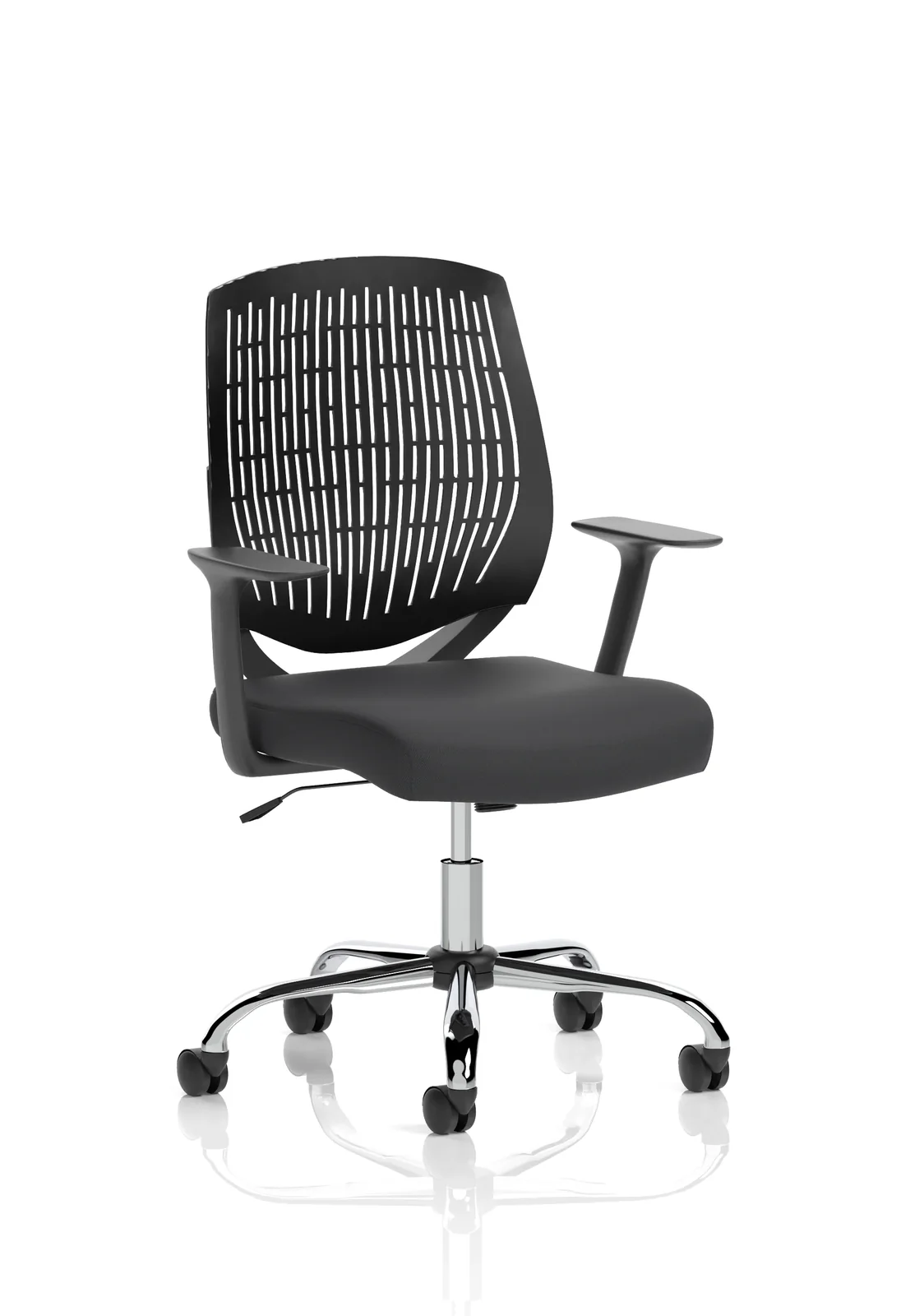
Operator & Task Chairs
Practical, adjustable seating for everyday desk work, office workstations, administration areas and home offices.
View Task Chairs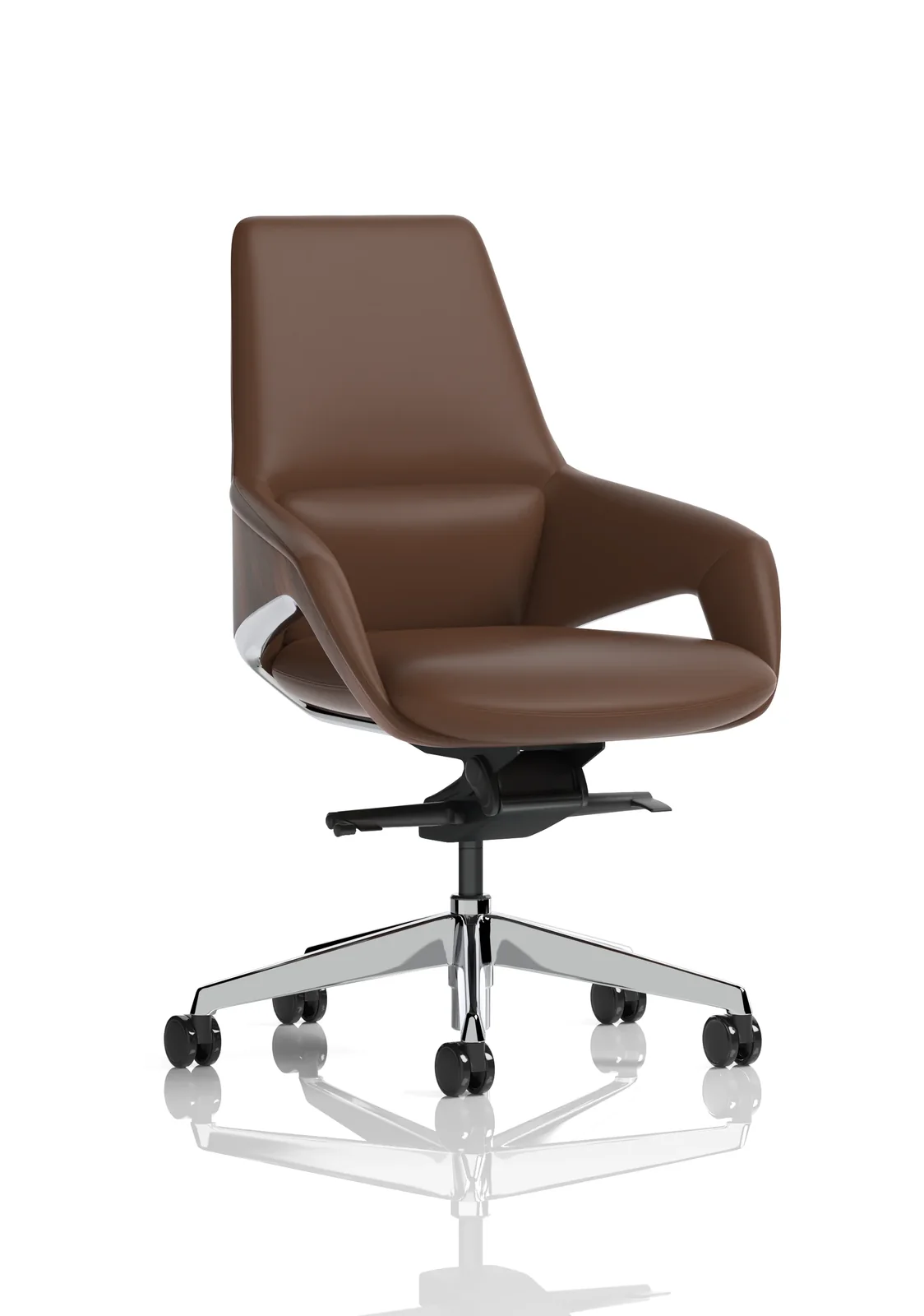
Executive Office Chairs
Larger-profile and premium-style seating for managers, directors, executive offices and customer-facing workspaces.
View Executive Chairs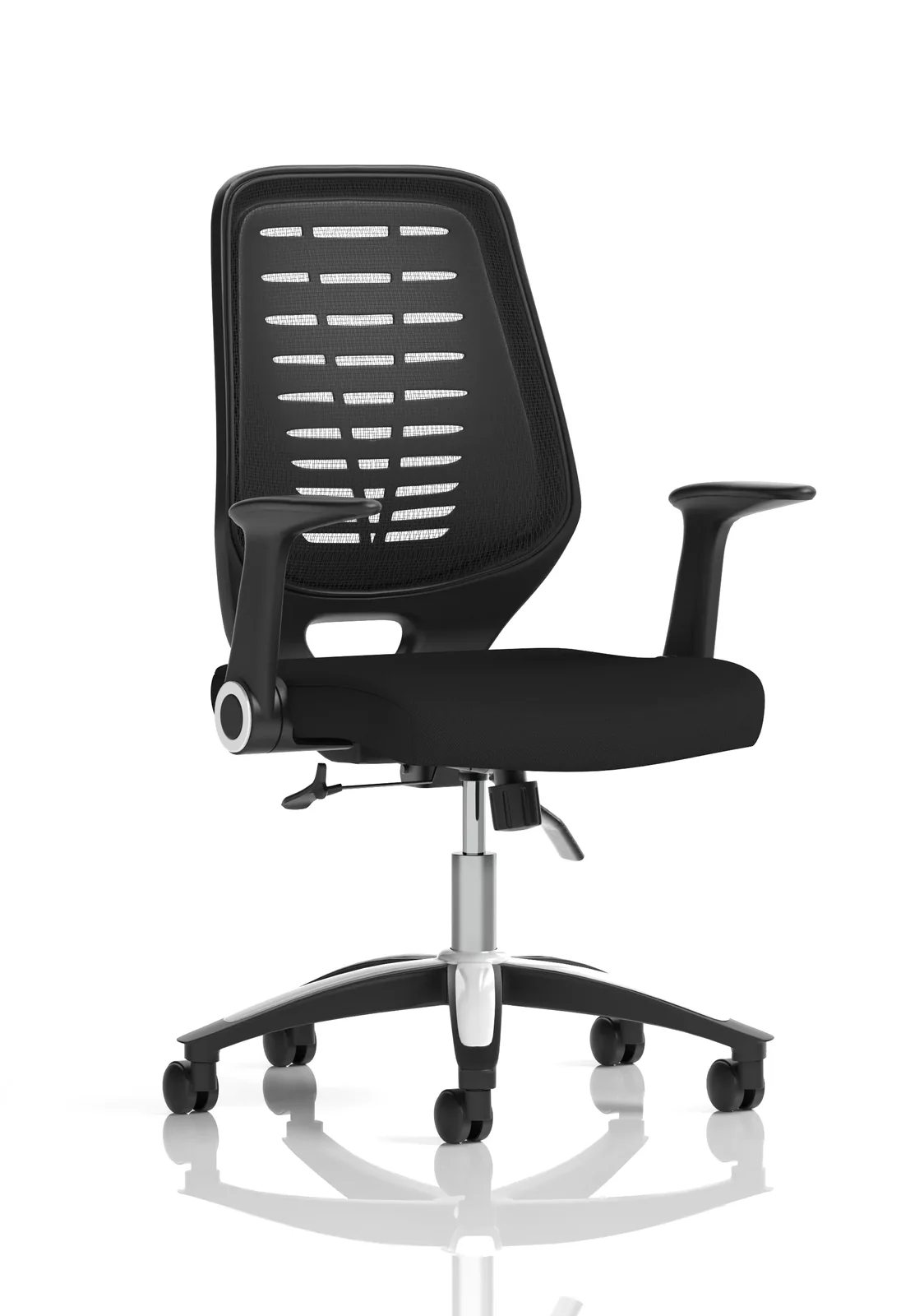
Mesh Office Chairs
Breathable seating with a contemporary appearance, suited to modern workstations and users who prefer greater airflow.
View Mesh Chairs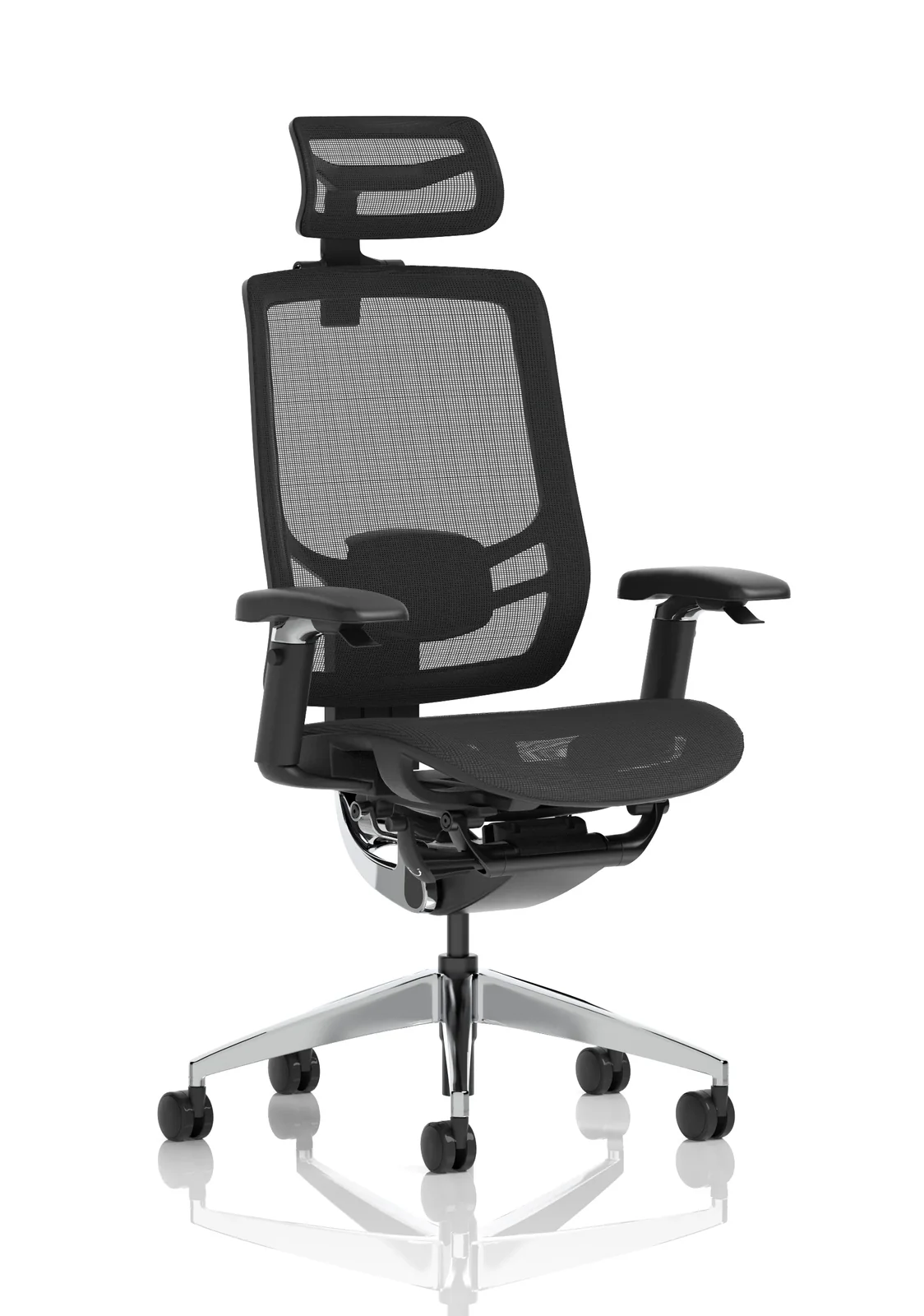
24 Hour & Posture Chairs
Enhanced ergonomic and heavy-use seating for extended sitting, demanding applications and multi-shift environments.
View 24 Hour Chairs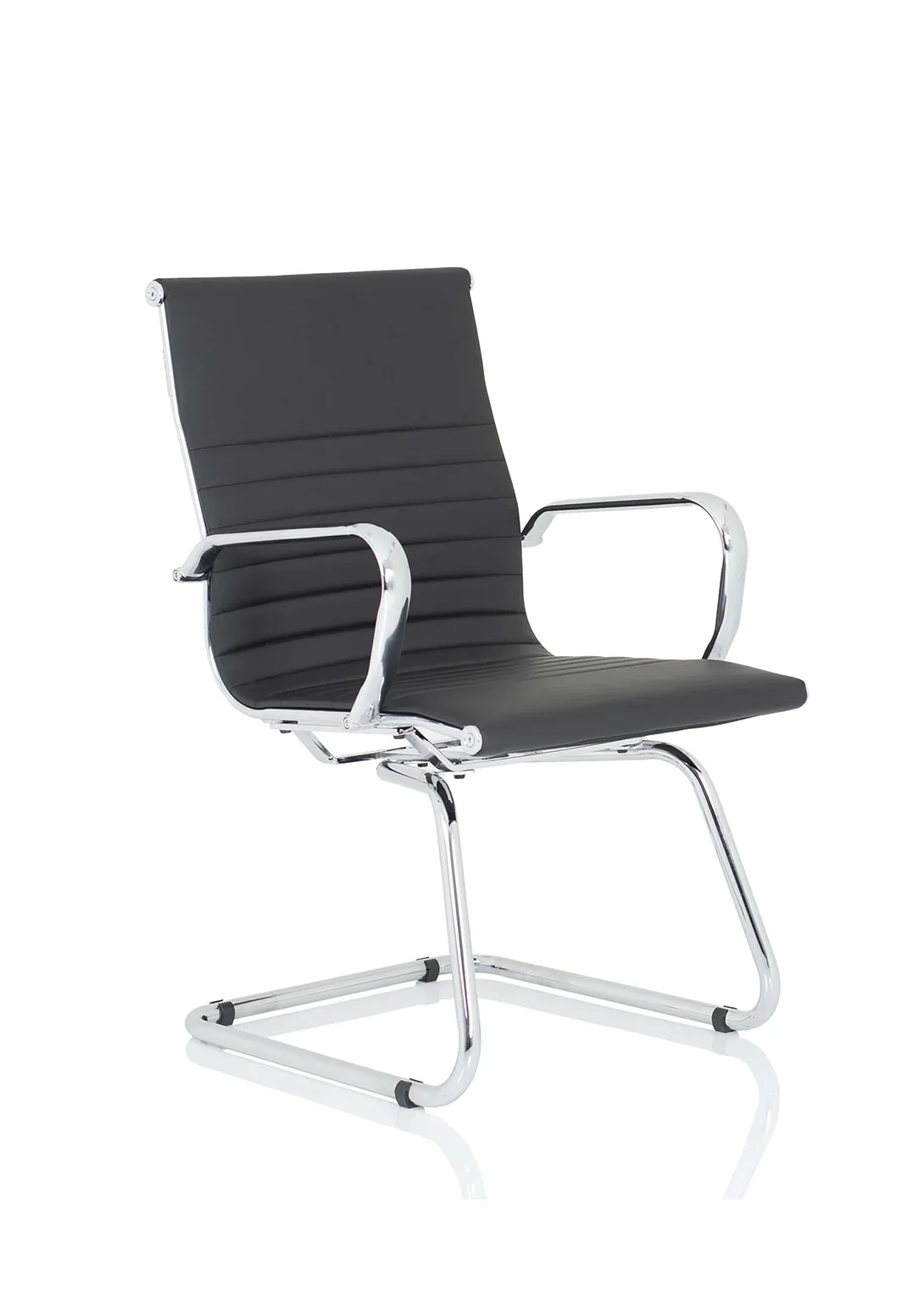
Conference Chairs
Smart, straightforward seating for meeting rooms, boardrooms, interview areas, training rooms and visitor spaces.
View Conference ChairsChoose an Office Chair by How It Will Be Used
Usage time and the type of work being carried out are two of the quickest ways to narrow down the most appropriate chair.
Occasional or light use
For shorter periods of administration, part-time desk work or occasional home-office use, a straightforward operator or task chair may provide the right balance of comfort and value.
Full working day
For users seated for much of the day, prioritise supportive back design, suitable seat dimensions and adjustment features that allow the chair to be tailored to the individual.
Focused computer work
For long periods of keyboard, screen or detailed desk work, features such as lumbar support, adjustable arms, seat slide and a responsive chair mechanism become increasingly useful.
Shared or hot-desking
Choose a chair with a broad and easy-to-use adjustment range so different users can quickly reset the seat height, back support and other controls.
Meetings and visitors
Conference and visitor chairs prioritise professional appearance, straightforward use and comfort over shorter or medium periods rather than extensive workstation adjustment.
Extended or specialist use
For control rooms, long shifts or users requiring a greater level of adjustment, review specialist 24-hour and posture chairs and check each model's intended usage and capacity.
Key Office Chair Adjustments & Features
The more closely a chair can be matched to the individual user and workstation, the more useful its adjustment features become. Not every user needs every control, so focus on the features that support the intended application.
Seat height
Allows the user to position the chair at a suitable working height relative to the desk while keeping the feet supported.
Lumbar support
Supports the lower back. This may be provided through the shape of the backrest or through a separate adjustable lumbar mechanism.
Backrest adjustment
Depending on the chair, the back may offer height adjustment, reclining movement, tilt tension or lockable positions.
Seat depth / seat slide
Allows the usable seat depth to be altered so the thighs are supported without excessive pressure behind the knees.
Armrests
Fixed or adjustable arms can support the forearms and shoulders. Advanced designs may adjust for height, width, depth or angle.
Headrest
Common on executive and specialist ergonomic chairs, headrests can provide additional support when reclining or changing position.
Synchronous movement
A synchronised mechanism coordinates seat and back movement to allow a more responsive change of posture while seated.
Base and castors
Check stability, mobility and the floor surface. Carpet, hard floors and specialist workplace conditions may require different castor considerations.
More adjustment is not automatically better
A highly adjustable ergonomic chair can be valuable for long-duration or individual workstation use, but simpler seating may be entirely appropriate for meeting rooms and occasional users. Match the specification to the application rather than paying for controls that will not be used.
Office Chair Materials & Finishes
Upholstery affects appearance, ventilation, cleaning and the overall feel of the chair. The right choice will depend on the environment as well as personal preference.
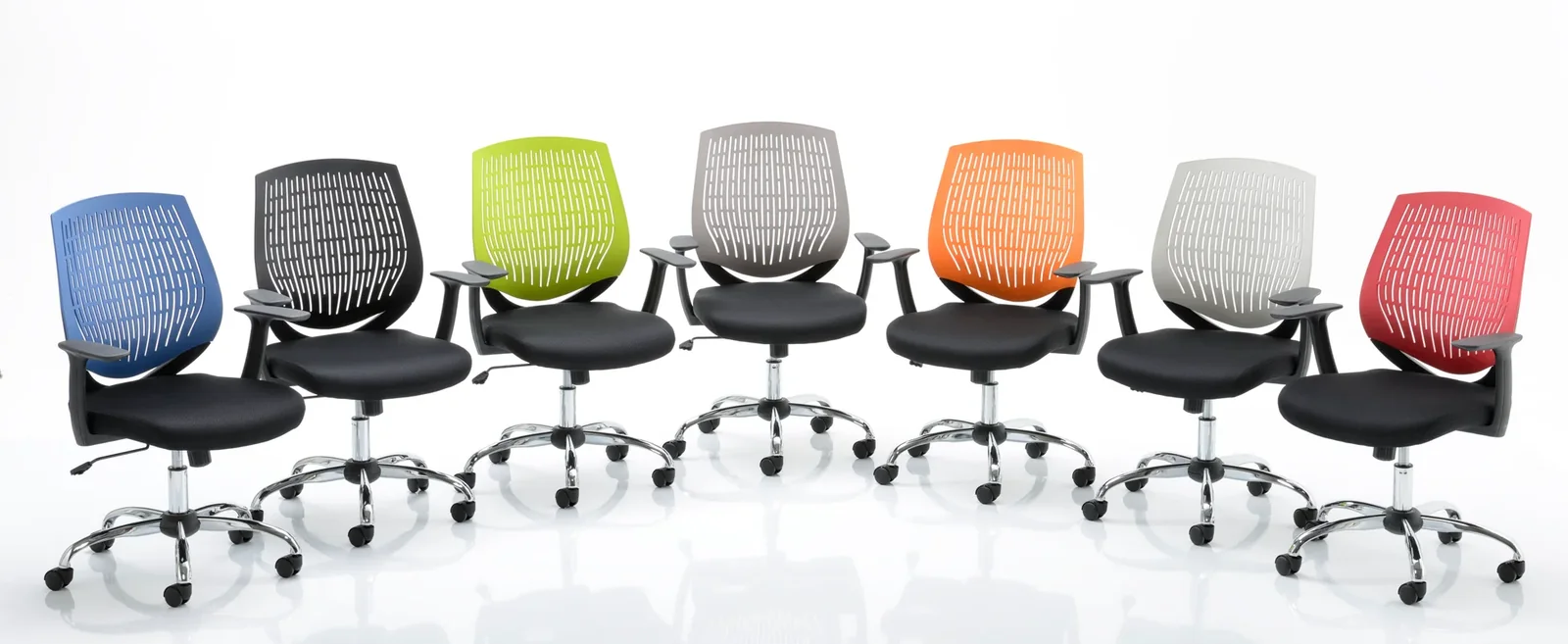
Fabric
A versatile all-round option with a comfortable feel and a broad choice of colours for general office environments.
Mesh
Provides airflow through the backrest and creates a lighter, contemporary appearance for modern workspaces.
Leather & leather-look
Often selected for executive seating, boardrooms and premium office environments where appearance is a key consideration.
Polyurethane / wipe-clean
Useful where straightforward cleaning is important, including some healthcare, education and industrial office environments.
Getting the Right Office Chair Fit
The chair should work with the user's body dimensions and the wider workstation. A suitable chair should allow the user to sit in a supported position without forcing the legs, shoulders or arms into an awkward working posture.
Check the user
- Overall height and build
- Seat width and depth required
- Backrest height and shape
- Need for lumbar or additional postural support
- Whether the chair will be allocated or shared
Check the workstation
- Desk height and available knee space
- Whether armrests can be positioned appropriately
- Monitor and keyboard position
- Available floor area and chair footprint
- Floor surface and required mobility
What Is a 24 Hour or Posture Chair?
A 24-hour office chair is intended for more intensive applications than a typical general-purpose task chair. Depending on the individual model, it may be designed for long shifts, shared workplaces or environments where seating is in near-continuous use.
Typical applications can include control rooms, security environments, monitoring stations and demanding operational workplaces. Posture chairs also tend to offer a greater level of ergonomic adjustment so the chair can be matched more precisely to the user.
Important: not every ergonomic chair is automatically suitable for 24-hour use. Check the individual manufacturer's specification, recommended usage and weight capacity before ordering.
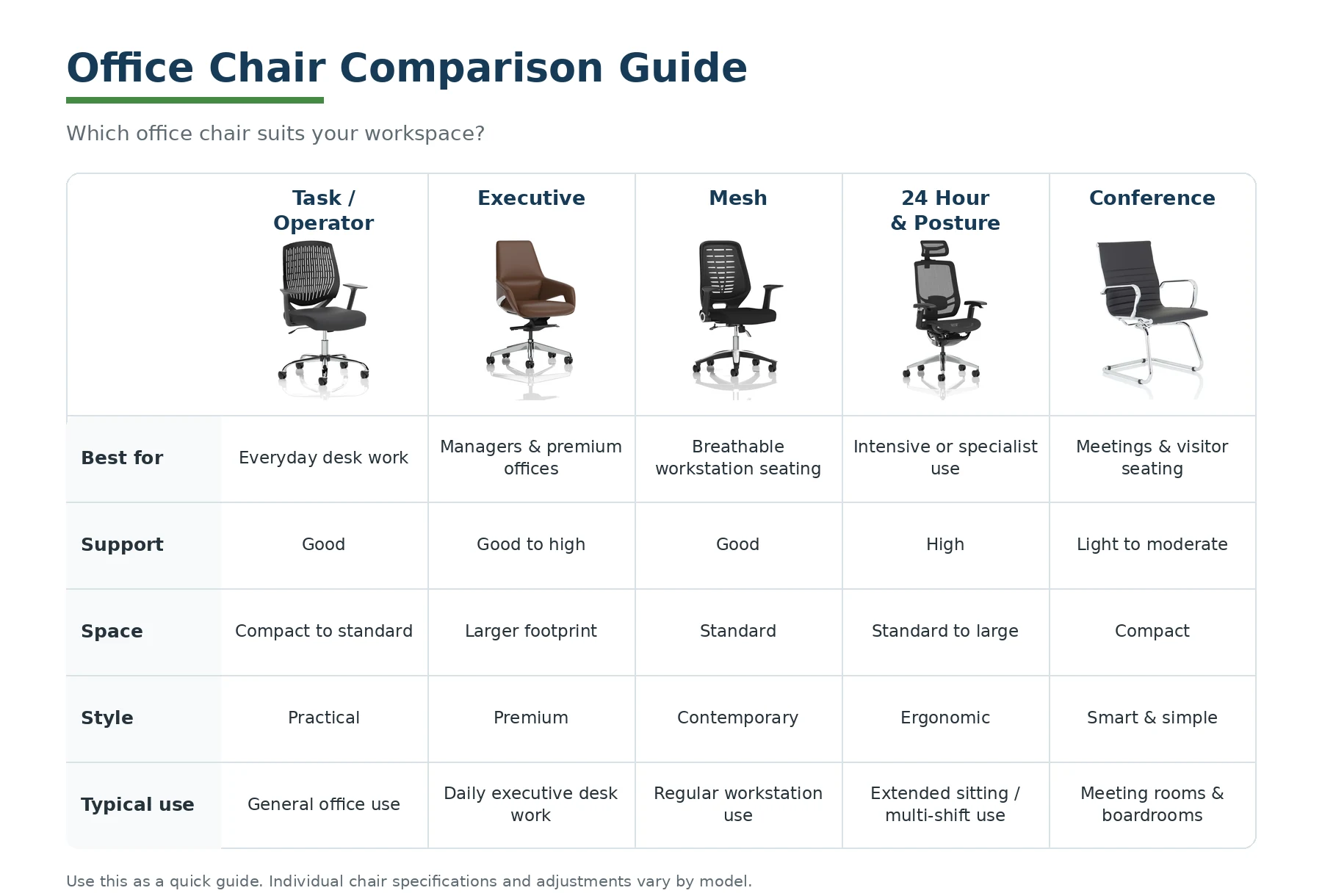
Compare Different Types of Office Chairs
Use this table as a quick guide to the typical role of each chair category. Individual products vary, so always check the detailed specification before ordering.
| Chair type | Best suited to | Typical use | Main buying considerations |
|---|---|---|---|
| Operator / Task | General office workstations | Everyday desk use | Adjustment range, seat/back dimensions, arms and value |
| Executive | Managers, directors and premium offices | Desk work with a more substantial appearance | Back height, upholstery, footprint, headrest and mechanism |
| Mesh | Modern and warmer workspaces | Regular workstation use | Back support, mesh tension, adjustment features and seat material |
| 24 Hour & Posture | Extended or specialist applications | Long shifts, multi-user or enhanced ergonomic requirements | Intended usage, user weight, seat depth, lumbar support and adjustability |
| Conference | Meeting rooms and visitor areas | Short to medium seating periods | Comfort, footprint, arms, stacking/mobility where applicable and room style |
Buying Office Chairs for a Whole Workplace
Larger office projects rarely need one chair model everywhere. Different areas often benefit from seating chosen specifically for the task, user and visual environment.
Plan Seating Around the Workspace
Workstations & hot-desks
Task, mesh and ergonomic chairs can provide practical day-to-day seating, with broader adjustment ranges particularly useful where users share workstations.
Management & executive areas
Executive seating can provide a more substantial appearance while still offering the support and adjustments required for daily desk work.
Meetings & collaborative spaces
Conference and visitor chairs can create a consistent, professional meeting environment without the size or complexity of full workstation seating.
Frequently Asked Questions About Office Chairs
Answers to common questions about choosing task, ergonomic, mesh, executive, conference and 24-hour office seating.
What is the best type of office chair for all-day use?
For users seated for much of the working day, a well-specified task, mesh or posture chair is often appropriate. Look for suitable seat and back dimensions plus the adjustments needed to fit the individual and workstation.
What is the difference between a task chair and an executive chair?
Task chairs are primarily designed for practical everyday workstation use. Executive chairs tend to have a larger profile, higher back or more premium finish, although the exact adjustment features vary by model.
Are mesh office chairs better than fabric office chairs?
Neither is automatically better. Mesh offers airflow and a contemporary appearance, while fabric provides a comfortable, versatile surface and a broad choice of colours. The best choice depends on the user and environment.
What does a 24-hour office chair mean?
A 24-hour chair is intended for more intensive applications and may be suitable for long shifts or shared multi-user environments. Always check the individual manufacturer's intended usage and weight capacity.
Do I need lumbar support on an office chair?
Lumbar support can be particularly useful for people who sit for longer periods. Some chairs provide shaped fixed support while more advanced ergonomic chairs may allow the position or pressure of the lumbar support to be adjusted.
Are conference chairs suitable for full-time desk work?
Conference chairs are generally intended for meetings, visitors and shorter periods of use. For regular workstation use, a task or ergonomic office chair will normally provide a greater level of adjustment.
What should I consider when buying office chairs for staff?
Consider daily usage time, individual user requirements, seat and back dimensions, adjustment range, upholstery, cleaning requirements, workspace layout and whether chairs will be allocated to individuals or shared.
Need Help Choosing Office Chairs?
Tell us how the chairs will be used, how many you require and whether there are particular ergonomic, material or workspace requirements. Our team can help you compare suitable seating options for individual users or larger office projects.
Guide reviewed: August 2026 by Premier Storage.